Hi all
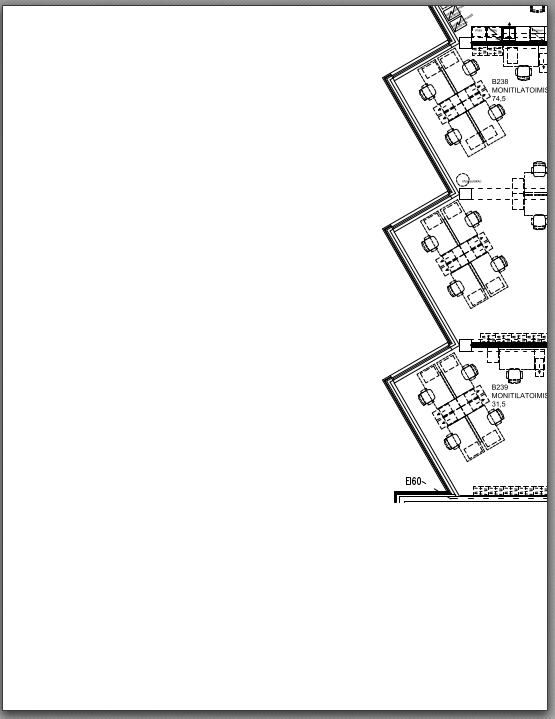
It seems that our Workstations-file has been corrupted. Not much left . I have restored the previous version of the file. Thus, check again that your edits are there and if not please add them to the previous version again. Be very careful when saving the file.
Yours Jouni [cid:image009.png@01D9DB30.1340B060]
From: Jouni Aspi Sent: perjantai 25. elokuuta 2023 15.25 To: Biolaitos@lists.oulu.fi Subject: Confirm your workstation in the workstation map
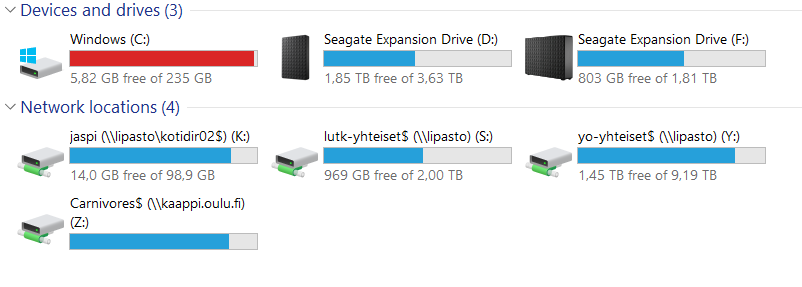
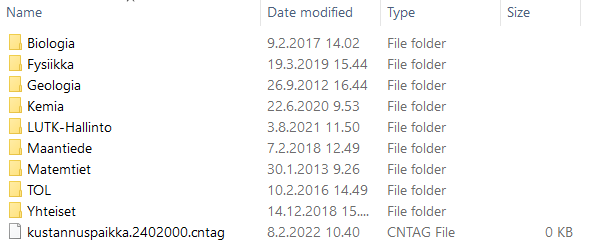
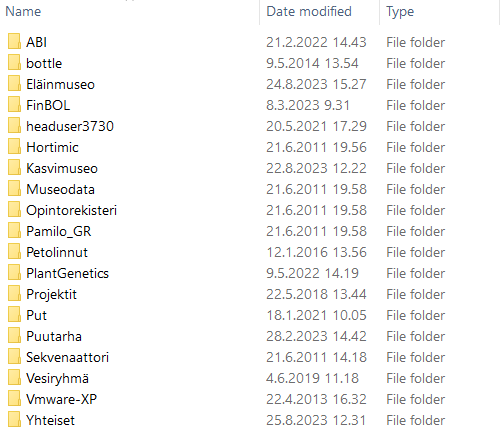
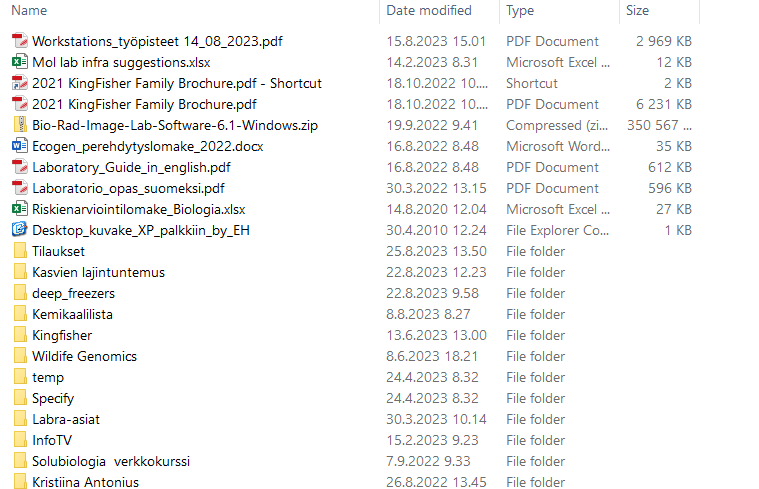
Hi As we already agreed in the unit meeting we should all confirm our workstations in our Workstation map. Thus, choose from your computer S:drive -> lutk-yhteiset -> Biologia -> Yhteiset and then open the Workstions_työpisteetdocument (see below). Confirm your workstation with BOLD-font and add the date up to you will need it.
Yours Jouni
[cid:image010.png@01D9DB30.1340B060][cid:image011.png@01D9DB30.1340B060][A screenshot of a computer Description automatically generated][A screenshot of a computer Description automatically generated]
[cid:image014.png@01D9DB30.1340B060][cid:image015.png@01D9DB30.1340B060][A screenshot of a computer Description automatically generated][A screenshot of a computer Description automatically generated]